





Currently, none of the web apps exists as a standalone entity in this digital era. They are at the same level as the major players such as Instagram, LinkedIn, and TikTok. Therefore, if your goal is to have your platform thrive, you have to link your site with these social networks at all costs. Integrating with social media is just not a thing of displaying some icons in the footer; it is about constructing a seamless bridge that assists in user retention and makes spreading your content go viral easily.
Currently, none of the web apps exists as a standalone entity in this digital era. They are at the same level as the major players such as Instagram, LinkedIn, and TikTok.
By following this guide, you can learn the correct way of feature implementation that results in user engagement through the use of up-to-date web development services and tools.
Why Connection Matters: The Modern Web Landscape
While visiting a new website, if there is a long sign-up form asking for your address, phone number, and also asking to set a completely new password, we generally don't proceed further. The majority of people do not. We have entered the period of “instant gratification”.
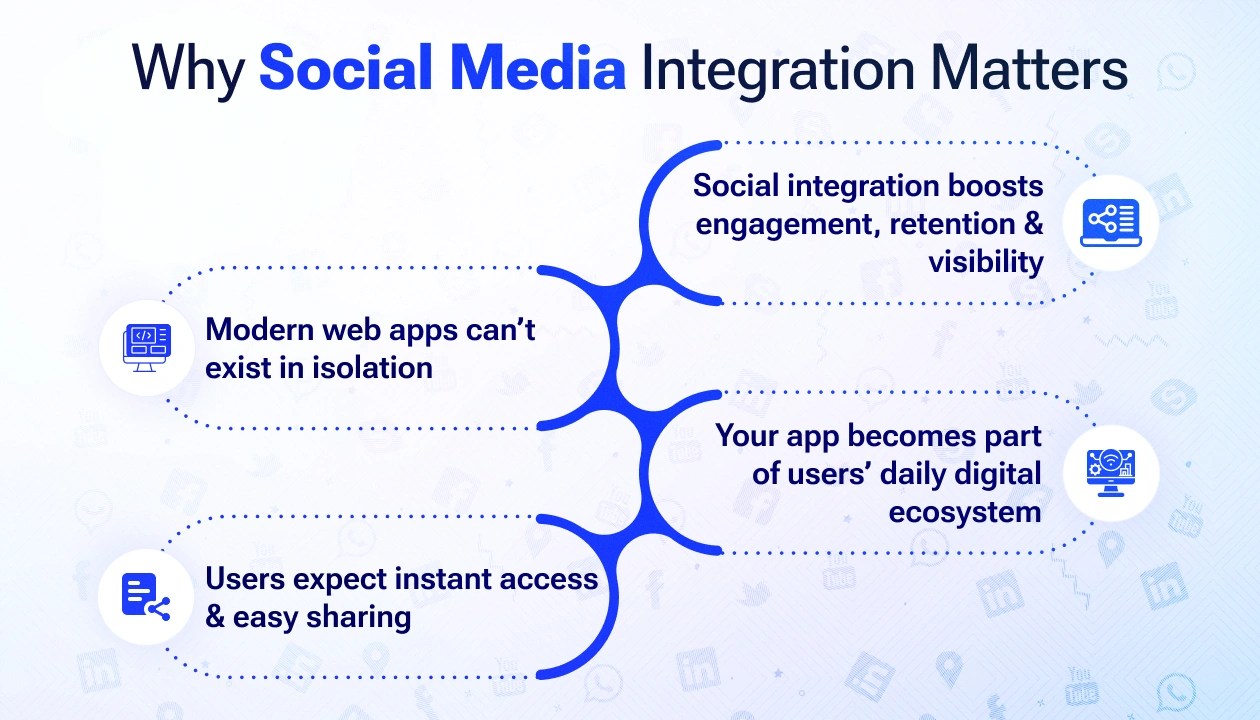
Social media integration is not just a way to add “buttons”, but a means to link your app with the places where your users are already. Such a connection turns your web app into a component of the present ecosystem rather than a separate one.
Implement Social Login Integration
The most challenging aspect for new users is often the registration form. By social login integration, users get the option to register via their already existing accounts (such as Google, Facebook, or X). This “one-click” entry significantly reduces “bounce rates” because users don’t have to remember yet another password.
How to do it: Most professional web development services use the OAuth 2.0 protocol. It sounds technical, but it’s essentially a secure “handshake” between your app and the social provider.
The Big Win: You get verified email addresses and basic profile data instantly. For the user, it’s a frictionless, five-second process.
Add Dynamic Social Sharing Features
If a user finds something valuable on your app - be it a blog post, a product, or a personal milestone- they should be able to tell the world with one click. Social sharing features are best for web app engagement tools.
Rather than having only static icons that are concealed at the bottom of the page, you may want to think about these human-centric ways:
Sticky Share Bars: They are with the user as they scroll, thus the possibility to share is always there.
Click, to, Tweet: Select a strong statement or a compelling fact. A pre-written tweet appears if the user clicks on it.
Image Sharing: Add a “Pin it” button for Pinterest or an “Instagram Story” share for mobile users.
These small additions turn every visitor into a potential brand ambassador.
Utilise Social Media API Integration
To make your app truly dynamic, you need Social media API integration. This allows your web app to “talk” to social platforms in real-time. Think of an API as a waiter taking an order from your app to the social media kitchen and bringing back the data.
Facebook Graph API: This is helpful in fetching users’ interests or in providing the facility to users to post updates directly from your dashboard.
Instagram Basic Display API: It is an ideal solution for lifestyle or e-commerce apps that want to present attractive, high-quality photos.
LinkedIn API: Indispensable for B2B apps is the LinkedIn API. It can bring in professional certifications, job histories, or even post the user's leadership articles directly into the user's professional network.
Curate User-Generated Content (UGC)
User-generated content is the ultimate “social proof”. In a world where each one is trying to sell something, people are found to trust other customers more than the brands. If customers come across genuine users of your product on social media, then their faith in your brand goes sky-high. You can integrate a “Wall of Love” or a gallery that pulls in posts where your brand is tagged. This doesn’t just keep your content fresh; it builds a genuine community. It says, “Look, people like you are already here and enjoying this”.
Seamless Social Media Feed Integration
Keep your website from looking “static” or abandoned by using Social media feed integration. By embedding your live Instagram or X feed, you show visitors that your brand is active, breathing, and relevant.
Pro Tip on Placement: Don’t let the feed distract from your main goal. Place your feed near the bottom of your homepage or on an “About Us” page. It adds visual flair and personality without distracting from your “Buy Now” or “Sign Up” buttons.
Conclusion
Social media integration with your web app is not something you can choose to do anymore; it has become a must if you want to expand your business. Essentially, a site that integrates social media functionalities is not merely straightforward anymore but rather an interactive community. So, with the appropriate web development services and APIs, you can extend customer interaction, simplify the user journey, and convert your web application into a social media titan.
The aim is to have your web app be perceived by the user as a logical continuation of his/her digital life. As a result, when you remove the entry barriers and sharing becomes effortless, your growth will be viral.